
- The riyal sign was approved in February 2025 and became Unicode U+20C1 in September 2025.
- Place it left of the number with a space, in every language, Arabic included.
- Updated Windows 11 and Noto Naskh Arabic draw it, but popular web fonts like IBM Plex Sans Arabic, Tajawal and Cairo don't yet. Load a one-glyph fallback font with unicode-range, or use SAMA's SVG.
- Salla and Zid show the new sign for you. On Shopify you set it yourself in the currency format.
- Keep the code SAR in e-invoice XML, product feeds, emails and SMS.
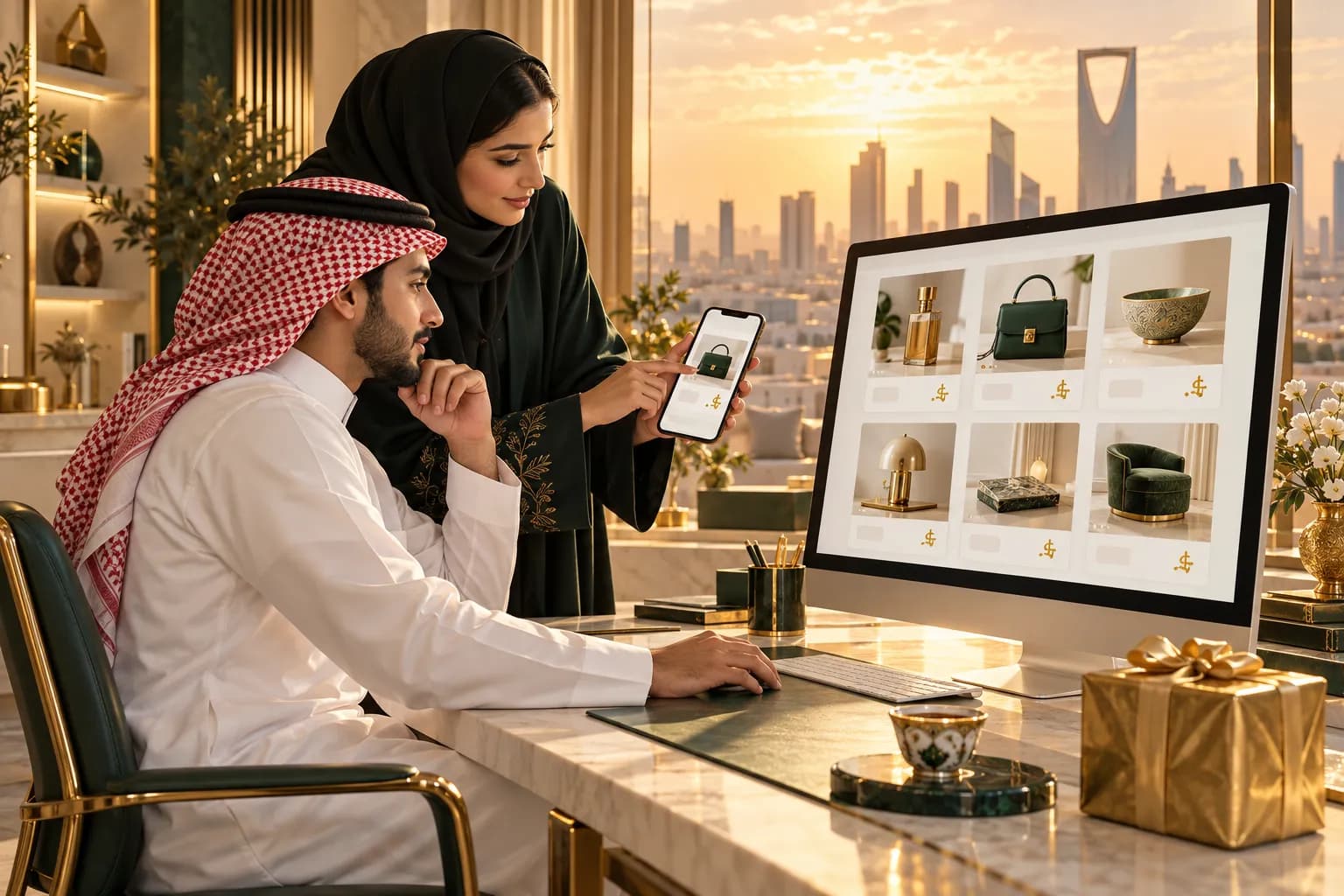
Saudi Arabia now has its own currency sign, just like the dollar and the euro. Saudi shoppers see it on bank apps, receipts and the biggest local stores.
Using it on your store is a small detail that makes a foreign brand look local. It takes about an hour to set up properly.
You'll get the placement rules, the current font support, copy-paste code with a fallback, and the setup for Shopify, Salla and Zid.
What is the new Saudi riyal symbol?
It's the official sign for the Saudi riyal, built from the Arabic letters of the word "riyal" (ريال). The Saudi Central Bank (SAMA) announced it after King Salman approved it.
It now has its own Unicode code point: U+20C1 SAUDI RIYAL SIGN. That means it's real text, not an image or a logo. Search engines can read it, screen readers can announce it, and shoppers can copy it.
- Feb 2025Approved
King Salman approves the symbol and SAMA announces it. SAMA publishes usage guidelines plus SVG, PNG and EPS files.
- Apr 2025Unicode accepts it
The Unicode Technical Committee approves U+20C1 for Unicode 17.
- Sep 2025Unicode 17 released
The sign becomes a standard character that any font can include.
- Oct 2025CLDR lists it as an alternate
Locale data keeps "SAR" and "ر.س" as the default display, so code libraries don't switch automatically.
- 2026Devices catch up
Windows 11 adds it to its fonts in March. Noto Naskh Arabic ships it, and other web fonts follow one by one.
The Ministry of Commerce wants businesses to use the sign wherever prices appear, and the rollout is gradual. So now is a good time to switch, before your competitors do.
Why bother? Saudi shoppers judge a foreign store in seconds. A price that looks like the ones on their banking app and favourite local stores quietly says "this shop knows us".
Where does the riyal symbol go?
SAMA's rule is simple. The sign goes to the left of the number, with a space, in every language.
That includes Arabic. Even on a right-to-left page, the sign stays on the left of the digits.
SAMA's guidelines add a few design rules:
- Size. Match the sign's height to the text around it.
- Shape. Keep the official proportions. Don't stretch or redraw it.
- Clear space. Leave about a third of the sign's height free on every side.
- Contrast. Use a colour that stands out clearly from the background.
The full pricing playbook, from VAT to charm prices, is in our guide to pricing in SAR and AED.
Which fonts support the riyal symbol?
Support is growing fast, but it's patchy. Here's the status in October 2026:
| Font or system | Shows U+20C1? | Notes |
|---|---|---|
| Windows 11 system fonts | Added in the March 2026 update | |
| iPhone and Android | Depends on the OS version, so test real devices | |
| Noto Naskh Arabic 2.021+ | Update the font files you self-host | |
| Noto Sans Arabic / Noto Kufi Arabic | Requested, not released | |
| IBM Plex Sans Arabic | Not in 5.3.0; an update awaits release | |
| Tajawal, Cairo | No update yet |
Here's why this matters. A browser falls back glyph by glyph. If your web font lacks U+20C1, the browser looks for another font on the device that has it.
On an updated phone, that usually works. On an older Android or desktop, the shopper sees an empty box instead of a price sign.
An empty box next to every price looks broken, and broken prices kill trust at checkout. That's why you never rely on the shopper's device alone.
For a full comparison of Arabic typefaces, see our guide to Arabic web fonts.
How do you add the riyal symbol to your website?
Use the real character, and give it a fallback font that only covers that one glyph. Your main font stays in charge of everything else.
Step 1: Load a one-glyph fallback font
Get a font file that includes U+20C1. The open-source Saudi Riyal Font on npm (OFL licence) works, or build one from SAMA's official SVG. Then limit it with unicode-range:
Because of unicode-range, the browser only downloads this file when a page contains the sign. It's tiny, and it never touches your other letters.
Step 2: Mark up prices the safe way
Wrap each price in a left-to-right span. That keeps the sign on the left on Arabic pages, and stops the number from jumping around.
The non-breaking space stops the sign and number from splitting across two lines. The label tells screen readers to say "Saudi riyal". On Arabic pages, set it to "ريال سعودي".
Step 3: Or use SAMA's SVG
Can't change fonts, for example in an email or a locked theme? Use the official SVG instead. Inline it with fill="currentColor" and a height of about 0.8em, so it takes the price colour and size.

How do Shopify, Salla and Zid handle the symbol?
The two Saudi platforms do it for you. Shopify needs a quick manual change.
- Salla. The new sign has been built into Salla themes since 20 February 2025. Custom theme code should render prices with
salla.money()andinnerHTML. - Zid. Zid shows the new sign across all Zid stores. Check that any custom blocks you add use the store's own price format.
- Shopify. Shopify doesn't switch automatically. In admin, open your store currency settings and choose "Change currency formatting".
On Shopify, edit the two HTML fields only:
Leave the email formats as SAR {{amount}}, since email apps won't load your fallback font. Then add the CSS from step 1 to your theme. Our Arabic Shopify guide covers the rest of the RTL setup.
When should you keep "SAR" or "ر.س"?
The sign is for shoppers' eyes. Machines and plain-text channels still want the currency code.
- E-invoice XML. In ZATCA's Fatoora format, the currency field stays "SAR". The sign can appear on the human-readable PDF, following SAMA's rules.
- Product feeds. Google Merchant Center and marketplace uploads expect the ISO code.
- Emails, SMS and WhatsApp. You can't control the reader's font, so write "SAR 149" or "149 ر.س".
- Ads. Ad platforms don't let you load fonts into ad text. Keep "SAR" so the price never breaks.
For the full invoice rules, see our guide to ZATCA e-invoicing.
The sign is one line in a bigger Arabic QA pass. Run the full RTL checklist before launch.
Notes for marketplace sellers
On noon and Amazon.sa, the marketplace renders the price for you. You only enter the number in SAR.
- Don't type the sign into titles, bullets or descriptions. It may show as a box and it won't help search.
- Keep your own store's format consistent with the marketplace, so repeat buyers see the same price style.
- Use the sign in your own marketing images only if you draw it from SAMA's official file, never a lookalike.
- Pricing for noon? Work out your margin first with the noon seller fees, then browse the other Arabic localization guides.
Frequently asked questions
Most keyboards don't have a key for it yet, so copy it or write it in code. Use the HTML entity ⃁ or the JavaScript escape \u20C1. Both produce the official character, whatever keyboard you have.
Sources & further reading
- Saudi Riyal Symbol guidelines — Saudi Central Bank (SAMA)
- Support for the New Saudi Riyal Currency Symbol — Unicode Consortium
- Saudi riyal sign — Wikipedia (citing SAMA and Unicode)
- March 10, 2026 update for Windows 11 (KB5078883): Saudi riyal sign added to Windows fonts — Microsoft
- Noto Naskh Arabic v2.021 release notes — Google Noto Fonts
- IBM Plex issue #655: Saudi riyal sign support — IBM Plex on GitHub
- Salla Twilight changelog (SAR symbol) — Salla
- New riyal symbol in e-invoicing (developer community) — ZATCA Fatoora developer community
- Currency formatting — Shopify Help Center
This guide is for general information only and is not legal, tax or financial advice. Rules and fees change — always confirm with the official source or a licensed advisor.

Maya is MiddleEastEcom's lead guide and editor. She researches GCC marketplaces, payments and regulations and turns them into practical playbooks for sellers.
Meet Maya