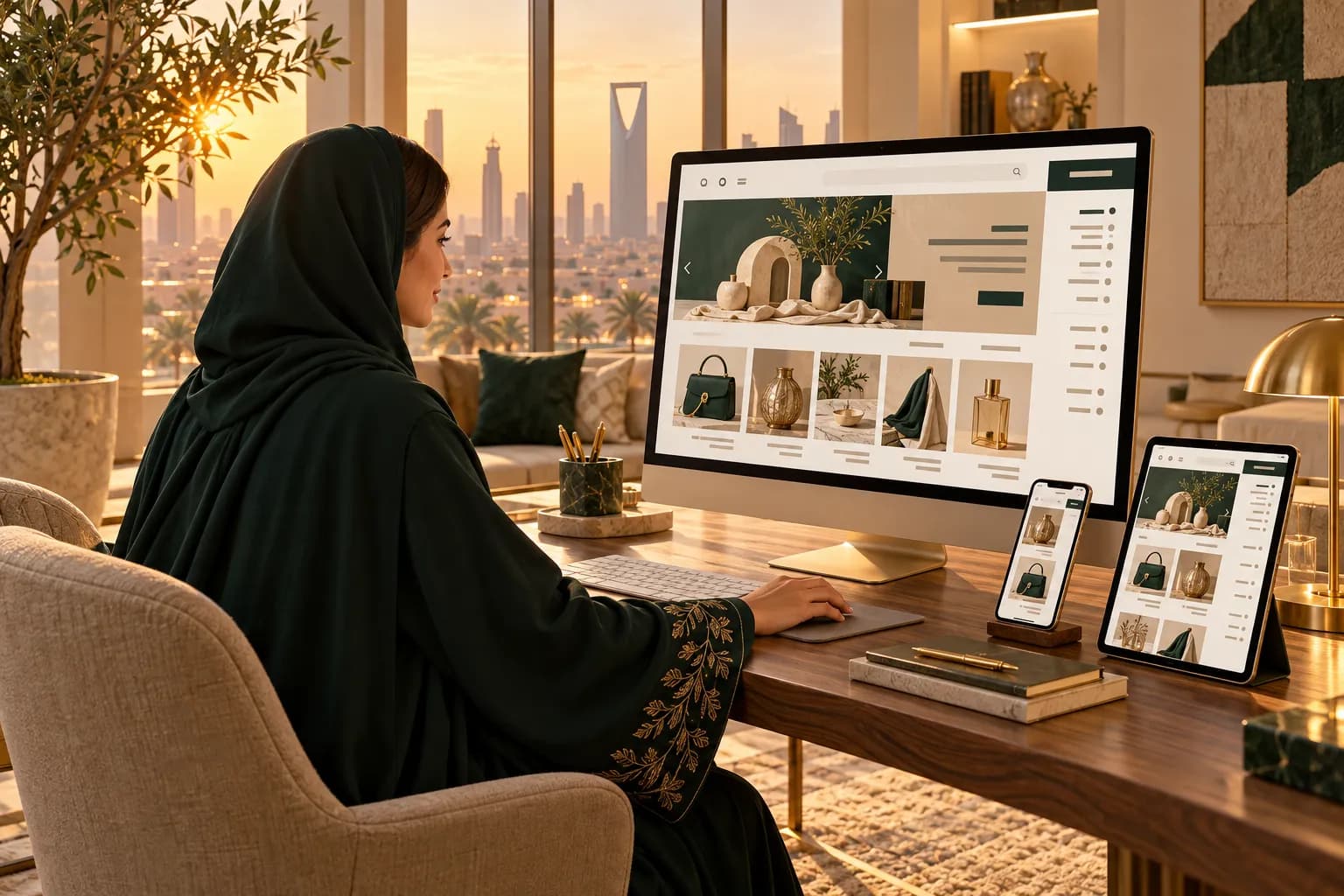
- One Shopify store can serve all six GCC countries, each with its own prices, language and URL.
- Only Shopify Payments charges shoppers in their own currency, and in the Gulf only UAE companies can use it. Expect a 2% conversion fee.
- Kuwait, Bahrain and Oman use three decimals. Price them in 10-fils steps, like KD 15.190, and set fixed prices instead of raw conversions.
- Use subfolders such as /ar-sa and /en-ae. They keep your SEO in one domain, and Shopify adds hreflang for you.
- Need mada, a Saudi entity and local-currency charging at once? That's when expansion stores on Shopify Plus make sense.
Shopify Markets turns one store into six Gulf stores. Shoppers in Riyadh, Dubai and Kuwait City each see their own currency, their own language and their own URL.
That's a big deal in the GCC. Six countries, six currencies and two languages used to mean six stores. Now it can mean one admin, one catalogue and one set of apps.
There's one catch, and it shapes everything else. Only Shopify Payments charges shoppers in their own currency, and in the Gulf it's open to UAE companies only.
You'll see which setup fits your company, how to price in all six currencies, and how to handle Arabic, duties and payments per market. If you're new to the platform, start with our Shopify guide for the GCC.
What is Shopify Markets?
Shopify Markets is the part of your admin that groups countries into markets and gives each one its own settings. It's included on every plan.
For each market, you control:
- Currency. Prices convert automatically or at your own rate, with rounding rules.
- Prices. Set a percentage up or down, or fixed prices for chosen products.
- Domain or subfolder. For example
yourstore.com/ar-sa/for Saudi shoppers in Arabic. - Languages. Arabic, English or both, with a default per market.
- Duties and shipping. Which rates and import charges apply at checkout.
For example, a fragrance brand can create a Saudi Arabia market, a UAE market and a "Rest of GCC" market. Each shows its own prices and language, while stock, orders and apps stay in one place.
Which setup fits your company?
Where your company is registered decides what Markets can do for you. That's because Shopify Payments, the only gateway that charges in local currency, works only for UAE entities in the GCC.
| UAE company | Saudi company | Foreign company | |
|---|---|---|---|
| Main gateway | Shopify Payments | Local gateway (Tap, HyperPay, Geidea…) | Shopify Payments at home, or a global gateway |
| Charge in SAR, KWD, QAR… | Only with Shopify Payments | ||
| What shoppers pay in | Their own currency | SAR, for everyone | Their own currency, or your store currency |
| mada at checkout | |||
| Arabic and subfolders per market | |||
| Best next step | One store, all six markets | One SAR store, or expansion stores on Plus | One store, plus a GCC partner for COD and returns |
What that means for you:
- UAE company. You get the full package. One store can charge AED, SAR, KWD, QAR, BHD and OMR.
- Saudi company. Markets still gives you Arabic, URLs and prices per country. But checkout charges everyone in riyals.
- Foreign brand. Markets works if Shopify Payments runs in your home country. Gulf debit cards like mada won't be on it.
Not sure where the Saudi side stands? See whether Shopify Payments works in Saudi Arabia.
How do you set up Shopify Markets for the GCC?
Setup takes an afternoon once your payments are live. Do it in this order, so each step builds on the last.
- 1
Set your store currency
Use AED for a UAE company or SAR for a Saudi one. Without Shopify Payments, this is the currency every shopper pays in.
- 2
Activate payments first
Turn on Shopify Payments (UAE) or connect your local gateway. Add cash on delivery as a manual method, then Tabby and Tamara as apps.
- 3
Create your markets
In Settings > Markets, add Saudi Arabia and the UAE as their own markets. Group Qatar, Kuwait, Bahrain and Oman until they earn their own.
- 4
Turn on local currencies
Enable each market's currency, choose automatic or manual rates, and set rounding.
- 5
Add Arabic and assign subfolders
Add Arabic in Settings > Languages, then give each market subfolders like /ar-sa and /en-sa.
- 6
Set shipping and duties
Create a shipping zone per country and decide whether duties are collected at checkout.
- 7
Test every market
Place a test order in each market and language, with each payment method, plus one refund.
Want the whole store checklist, beyond Markets? Use our Shopify GCC setup guide.
How do you price in six currencies?
Set fixed local prices for your best sellers and let rounding rules handle the rest. Five Gulf currencies are pegged to the US dollar, and the Kuwaiti dinar tracks a basket, so a fixed price list barely drifts.
Here's why raw conversion fails. USD 19.99 at the peg becomes SAR 74.96, which looks like a mistake. Shoppers expect SAR 75 or SAR 79.
The three-decimal currencies
Kuwait, Bahrain and Oman split their currency into 1,000 parts, not 100. So a Kuwaiti price looks like KD 9.900, never KD 9.99.
Keep these rules in mind:
- Charge in 10-fils steps. Many gateways reject a last digit other than zero, so use KD 4.950, not KD 4.955.
- Use natural endings. In dinars and rials, endings like .990 or .950 look right.
- Set fixed prices. Use your catalog's fixed prices for KWD, BHD and OMR on key products, instead of trusting automatic rounding.
Our guide to pricing in 3-decimal currencies covers refunds, discounts and the developer side.
Worked example: one USD 49 product, six markets
Take a USD 49 serum. Convert it at each peg, add local VAT (prices must include it), then round to the nearest price ending in 9. In dinars and rials, that means an ending like .190 or .290.
| Market | Converted + VAT | Shelf price |
|---|---|---|
| Saudi Arabia (15% VAT) | SAR 211.31 | SAR 209 |
| UAE (5% VAT) | AED 188.95 | AED 189 |
| Qatar (no VAT) | QAR 178.36 | QAR 179 |
| Kuwait (no VAT) | KD 15.190 | KD 15.190 |
| Bahrain (10% VAT) | BD 20.266 | BD 20.290 |
| Oman (5% VAT) | OMR 19.783 | OMR 19.790 |
Notice the Saudi price drops slightly to hit SAR 209. That's a small margin give for a price that looks local. Kuwait needs no change at all, because KD 15.190 already ends in 9.
Try your own product. Enter a base price and the tool returns all six shelf prices with VAT and rounding.
GCC price localizer
Turn one base price into six shelf prices, with VAT, local rounding and Arabic display
Markup is applied, then local VAT is added on top.
Consumer prices in KSA and the UAE are expected to include VAT.
Optional % added to the net price per market (e.g. to cover duty, shipping or BNPL fees).
Prices ending in 9 (SAR 99, 149, 199; AED 49, 99) dominate on noon, Amazon.sa and Shein (observation). For 3-decimal currencies this gives x.x90 endings.
- SARSaudi Arabia1 USD = 3.7515%SAR 209.00incl. 27.26 VAT-1.1% vs exact209.00 ر.س
- AEDUAE1 USD = 3.67255%AED 189.00incl. 9.00 VAT189.00 د.إ
- QARQatar1 USD = 3.64No VATQAR 179.00No VAT+0.4% vs exact179.00 ر.ق
- KWDKuwait1 USD = 0.31≈ approx.No VATKWD 15.190No VAT15.190 د.ك
- BHDBahrain1 USD = 0.37610%BHD 20.290incl. 1.845 VAT+0.1% vs exact20.290 د.ب
- OMROman1 USD = 0.38455%OMR 19.790incl. 0.942 VAT19.790 ر.ع
Your font supports the new Saudi riyal sign (U+20C1), so SAR prices use it. SAMA guidance puts the riyal sign to the left of the number, with a space, in every language. The text abbreviation ر.س is usually written after the number in Arabic.
KWD is pegged to an undisclosed basket, so its rate moves slightly. ≈0.31 per USD is an approximation; review it quarterly.
Estimates based on published pegs and VAT rates as of Oct 2026. Rounding norms are market observations. Confirm VAT display rules with ZATCA / the FTA and your payment provider's currency rules.
The same numbers work as fixed prices in each market's catalog. For a full walkthrough, open the GCC price localizer.
Domains, subfolders and Arabic per market
Use subfolders on one domain. They're available from the Basic plan, and every market shares your domain's SEO strength.
You have three options:
- Subfolders (
yourstore.com/ar-sa/). Free, and they build one domain's authority. The best default. - Subdomains (
sa.yourstore.com). Also free, but search engines treat them more like separate sites. - Country domains (
yourstore.sa,yourstore.ae). Bought per market, and each builds SEO from zero.
Shopify adds hreflang tags and per-language sitemaps for you. Hreflang tells Google which page to show a Saudi Arabic speaker versus a Dubai English speaker.

Arabic in every market
Add Arabic once, then decide per market whether it's the default. Saudi shoppers often expect Arabic first, while UAE shoppers split between Arabic and English.
Two things need attention:
- Checkout isn't pre-translated into Arabic. Shopify translates checkout into 33 languages, and Arabic isn't one. Translate those strings yourself in Translate & Adapt.
- Gulf wording can differ per market. Translate & Adapt lets you adapt copy for markets sharing a language, so Saudi and Kuwaiti pages can use different terms.
Machine translation is a fine first draft. Have a native speaker review product titles and checkout text before launch, and see our Arabic Shopify guide for the RTL details.
Duties and import taxes
Duties only matter when a parcel crosses a border. If you ship to Saudi shoppers from a Saudi warehouse, there's nothing to collect at checkout.
Cross-border is different. Say you ship from a Dubai warehouse to Kuwait or Bahrain. The parcel may owe customs duty, and in VAT countries, import VAT.
Shopify can calculate and collect these at checkout. Turn it on in Settings > Taxes and duties, then add an HS code and country of origin to every product. Shopify Payments stores pay a 0.85% fee on orders where duties are calculated.
Each country waives duty below a value threshold:
| Country | Duty-free up to | VAT on imports |
|---|---|---|
| Saudi Arabia | Under SAR 1,000 (incl. shipping) | 15%, from the first riyal |
| UAE (Dubai) | AED 1,000 | 5% |
| Qatar | QAR 1,000 | None |
| Kuwait | KWD 100 | None |
| Bahrain | Under BHD 100 | 10% at BHD 100 and above |
| Oman | OMR 100 | 5% |
So which approach should you take? In COD-heavy markets, collect everything upfront (known as DDP, delivered duty paid). Surprise charges at the door get parcels refused.
Payment methods by market
Each Gulf country has its own debit network, and shoppers trust it. Markets lets you offer the right mix per country, but only if your gateway supports each one.
| Market | Local debit | Also expected |
|---|---|---|
| Saudi Arabia | mada | Apple Pay, Tabby, Tamara, COD |
| UAE | Visa and Mastercard debit | Apple Pay, Tabby, Tamara, COD |
| Kuwait | KNET | Apple Pay, Tabby, Tamara, COD |
| Qatar | NAPS / Himyan via QPAY | Cards, COD |
| Bahrain | BenefitPay | Tamara, COD |
| Oman | OmanNet | Cards, COD |
Here's the catch for UAE stores. Shopify Payments takes Visa, Mastercard, Apple Pay and Google Pay, but not mada or KNET.
Add those through a third-party gateway, and those orders arrive in your store currency. Ask the gateway whether it converts to KWD or SAR for the local network, and test a real order before launch.
Cash on delivery works in every market. Shopify charges no transaction fee on it, so it's worth keeping on. Compare options in our GCC payment methods guide.
When should you use expansion stores instead?
Use expansion stores when one store can't hold two companies or two gateway setups. They come with Shopify Plus, which includes up to 9 extra stores under one contract.
A common Gulf pattern looks like this:
- UAE store. Run by the UAE entity, charging in AED and other currencies through Shopify Payments.
- Saudi store. Run by the Saudi entity, priced in SAR, with mada through a local gateway.
Each store has its own currency, gateway, payouts and invoicing. That suits Saudi e-invoicing and separate company books.
- Each entity keeps its own gateway, payouts and tax setup
- mada and local-currency charging can both run, in separate stores
- Teams can run campaigns and catalogs per country
- Shopify Plus starts at $2,300/mo on a 3-year term
- Products, apps and themes must be kept in sync across stores
- SEO is split unless you plan domains carefully
Plus also adds checkout customisation, 30 languages and a 0.2% third-party gateway fee. Until you run two companies, one store with Markets is usually plenty. See whether Shopify Plus is worth it in the GCC.
Notes for UAE companies
- You can run all six markets from one store. Shopify Payments charges each shopper in their own currency.
- Budget the 2% conversion fee on every non-AED order, and price it into your SAR and KWD lists.
- Add a gateway for mada or KNET if those markets matter. Test how it handles currency.
Notes for Saudi companies
- Set the store currency to SAR. Every shopper will pay in riyals, so show SAR prices clearly to GCC visitors.
- Use Markets for language, URLs and price levels. For example, a "Rest of GCC" market with higher prices to cover shipping.
- Plan for expansion stores once UAE or Kuwait sales grow enough to justify local-currency checkout.
Notes for foreign brands
- Check that Shopify Payments works in your home country. If it does, Markets can charge Gulf shoppers locally.
- Partner up for the rest. Local debit, COD and returns usually need a Gulf partner. Our Shopify development team in Dubai can help set it up.
Frequently asked questions
Yes. Markets is built into every Shopify plan from Basic up, including custom domains and subfolders per market. You pay only when money changes currency: Shopify Payments charges a 2% conversion fee outside the US.
Sources & further reading
- Selling in local currencies: limitations — Shopify Help Center
- Pricing in local currencies — Shopify Help Center
- Managing international domains — Shopify Help Center
- Collecting international duties and import taxes at checkout — Shopify Help Center
- Shopify Payments supported countries — Shopify Help Center
- Calculating the amount (3-decimal currencies) — Checkout.com
- E-Store Customers (customs rules for online purchases) — Zakat, Tax and Customs Authority (ZATCA)
This guide is for general information only and is not legal, tax or financial advice. Rules and fees change — always confirm with the official source or a licensed advisor.

Maya is MiddleEastEcom's lead guide and editor. She researches GCC marketplaces, payments and regulations and turns them into practical playbooks for sellers.
Meet Maya